If you need to manage your tax, submit a Self Assessment tax return or access other government services online, having the right sign-in details is often the first step.
The process is straightforward, but with HMRC increasingly introducing GOV.UK One Login, it is important to understand whether you need a new Government Gateway user ID or should use an existing account.
A Government Gateway user ID has traditionally been used to access a range of HMRC and other government online services. However, from February 2026, new individual HMRC customers without an existing Government Gateway account can create a GOV.UK One Login instead. Existing users can continue using their Government Gateway details where the service supports them.
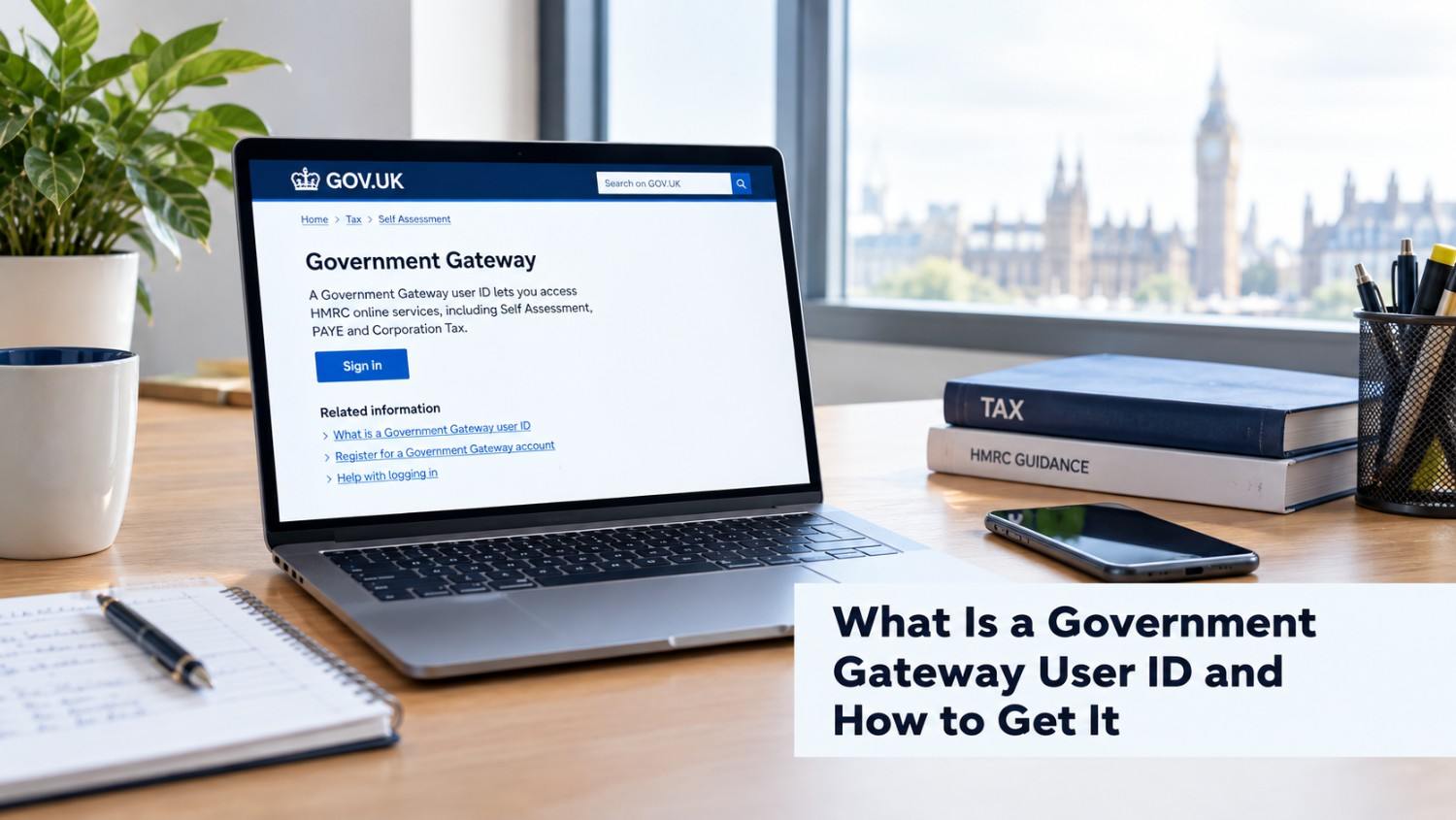
A Government Gateway ID, officially referred to as a Government Gateway user ID, is a unique sign-in credential used to access certain UK government online services.
Depending on the service, you may use it to access HMRC services such as:
HMRC currently supports both Government Gateway and GOV.UK One Login for its online services, although the option available to you can depend on the service and whether you already have an account.
If the government service you are using asks you to sign in with Government Gateway, you can normally create your account when you start the registration process.
Here is the general process for how do I get a Government Gateway user ID:
Start by visiting the GOV.UK service you want to use. For example, if you need to access HMRC online services, go to the official HMRC sign-in page.
HMRC online services: sign in or set up an account
Select the option to sign in or create new sign-in details.
If you do not already have Government Gateway details, select “Create new sign in details” when the service provides this option.
HMRC will guide you through the appropriate sign-in process. Depending on your circumstances, you may be offered a Government Gateway.
You will generally need an email address that you can access. The service may send a confirmation or verification code to this address.
Make sure you enter your email address correctly and check your junk or spam folder if you do not receive the email.
When creating a Government Gateway account, you will be asked to create a password and, depending on the service, a recovery word or other security details.
Keep these details secure because you may need them whenever you access the relevant government service.
Once your registration is complete, your Government Gateway user ID will normally be displayed on screen and may also be sent to your confirmed email address. GOV.UK guidance confirms that users should keep a record of their user ID because it is needed to sign in to services that use Government Gateway.
The exact information required can vary depending on the government service you are registering for.
For a basic Government Gateway account, you may need:
Some services may ask for additional information to verify your identity or connect the account to a business or tax service.
For example, if you are registering a business for a particular HMRC service, you may need information relating to your company or tax registration.
If you have already created an account but cannot remember your user ID, how do I find my Government Gateway ID is a common question.
First, search your email inbox for the message you received when you created your Government Gateway account. Your user ID may have been included in the confirmation email. GOV.UK guidance recommends checking the email address originally associated with your account.
If you still cannot find it, go to the relevant Government Gateway sign-in page and look for an option such as “I have forgotten my Government Gateway user ID” or “Recover Government Gateway ID”.
The recovery process can vary by service. You may need access to your registered email address and other security information. Some services also use multi-factor authentication to verify your identity.
If you cannot recover your details, you may need to create a new account or contact the relevant government service for assistance.
Once you have your Government Gateway user ID and password, the Government Gateway login process is relatively simple.
Go to the GOV.UK service you need and select the option to sign in using Government Gateway. Enter your user ID and password and complete any additional security checks requested by the service.
It is important to remember that your Government Gateway user ID is not necessarily the same as your email address. HMRC states that Government Gateway sign-in uses a user ID of up to 12 characters, while GOV.UK One Login uses an email address and password.
If you enter incorrect sign-in details too many times, your account may be temporarily locked. HMRC states that a locked account will unlock automatically after two hours.
If you know your Government Gateway user ID but cannot remember your password, use the “I have forgotten my password” option on the relevant sign-in page.
You may need your user ID, registered email address and recovery information. Depending on the service and security settings, you may also be asked to complete additional verification.
For greater security, some Government Gateway services support multi-factor authentication using methods such as text messages, voice calls or an authenticator app.
No. Government Gateway and GOV.UK One Login are different sign-in systems.
Government Gateway traditionally uses a user ID and password, while GOV.UK One Login uses an email address and password and may require identity verification.
This means you should not automatically create a new Government Gateway account if you already have another valid HMRC sign-in. Instead, follow the instructions provided by the specific government service you need to access.
For businesses and self-employed individuals, online access to government services can make managing tax responsibilities considerably easier.
Depending on your circumstances, online government services can help you manage areas such as VAT, Corporation Tax, PAYE and Self Assessment.
If you operate a business, it is particularly important to keep your sign-in details secure and ensure that the correct account is connected to your business services. Some services require a specific Government Gateway ID rather than an agent's credentials.
Getting a Government Gateway ID is generally a straightforward process when the service you need still uses Government Gateway. You can normally create your sign-in details through the relevant UK government service by providing your email address, creating security details and completing any required verification.
However, the introduction of GOV.UK One Login means the process is changing. If you are a new HMRC customer, you may now be directed towards GOV.UK One Login rather than receiving a new Government Gateway user ID.
If you are unsure which sign-in method you need, or you need help managing your UK tax obligations, PHS Associates can provide professional accounting and tax support. Get in touch with our team for guidance tailored to your business or personal tax requirements.

PHS Associates Acc & Co is led by a skilled team with expertise in Accounting, Taxation, Payroll, Business consultancy, and Company secretarial services.
© Copyright 2026 PHS Associates Acc & Co
Company number - 08670151