Imagine opening a letter from HMRC only to discover that you've either paid too much tax or owe additional tax. It can be confusing, especially if you've always believed your tax was deducted correctly through PAYE. This is where the P800 tax notice comes in. It helps reconcile the tax you've paid with the amount you should have paid during the tax year.
Whether you're expecting a refund or facing an unexpected tax bill, understanding how HMRC calculates a P800 can help you avoid confusion, identify potential errors, and take the right action.
In this guide, we'll explain what is a P800?, why you may receive one, how HMRC calculates your tax, and what you should do after receiving the notice.
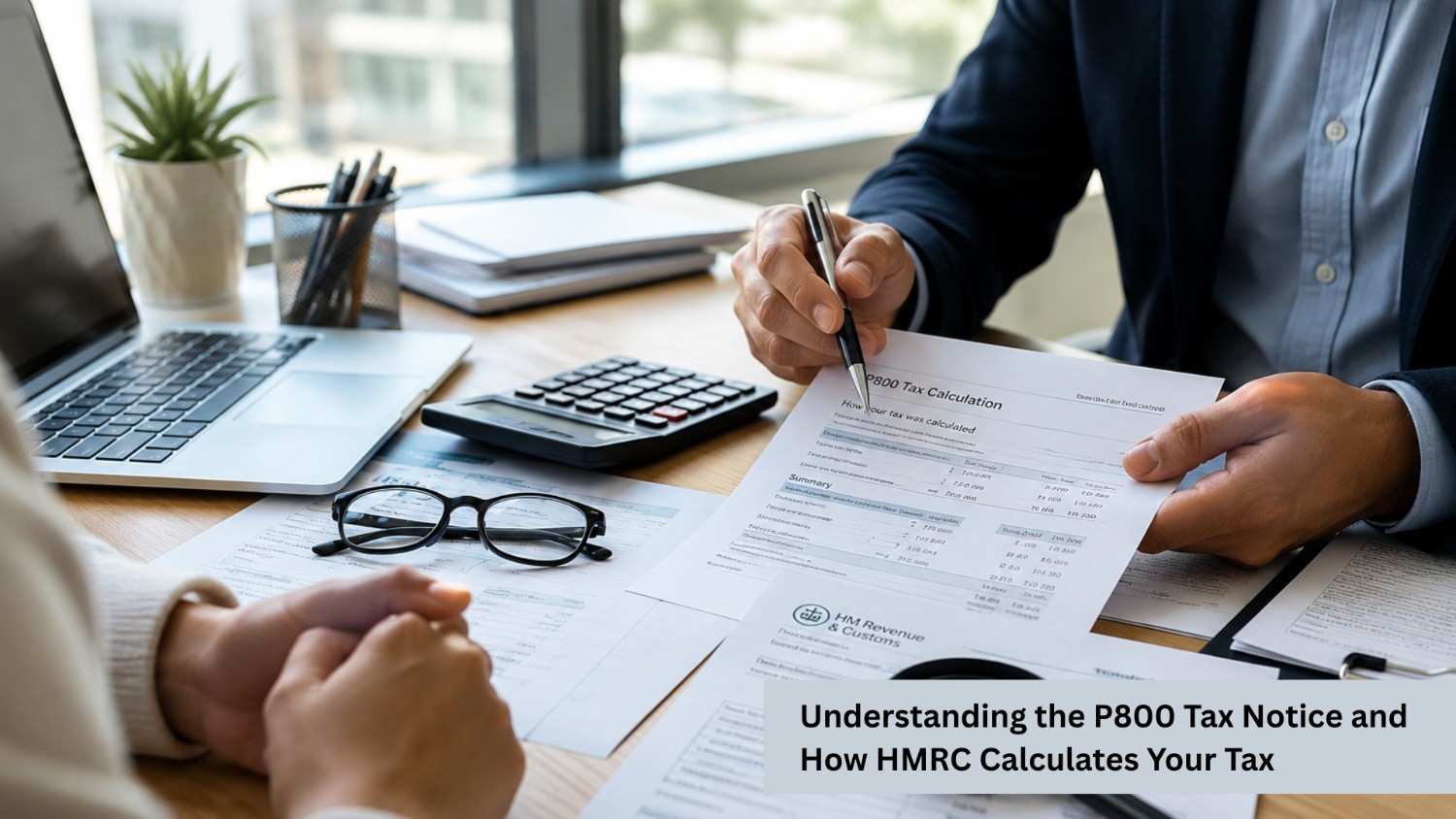
A P800 Tax Calculation is a document issued by HM Revenue & Customs (HMRC) when it believes you've paid either too much or too little Income Tax during a tax year. It is not a tax demand or a penalty. Instead, it is a summary showing how your tax has been calculated based on the information HMRC has received from employers, pension providers, and other sources.
Most people who pay tax through the Pay As You Earn (PAYE) system don't need to complete a Self Assessment tax return. However, if HMRC identifies a difference between the tax deducted and the tax actually due, it may issue a P800.
A P800 tax calculation typically includes:
There are several reasons why HMRC may send a P800 notice.
If you've worked for more than one employer, changed jobs during the tax year, or received both employment income and a pension, your tax may not have been calculated accurately throughout the year.
Using the wrong tax code can result in paying either too much or too little tax.
Starting or leaving a job without updated payroll information can affect your tax deductions.
Company benefits such as private medical insurance or company cars may not have been reflected correctly in your PAYE calculations.
If you receive the State Pension alongside employment or pension income, it may influence your total tax liability.
HMRC gathers information from various sources before producing your P800 tax calculation.
HMRC receives details from:
This information helps calculate your total taxable income.
Everyone is entitled to a Personal Allowance, provided their income falls within the qualifying limits. HMRC deducts this allowance from your taxable income before calculating the tax due.
HMRC applies the relevant Income Tax rates and bands to your taxable income based on the tax year concerned.
HMRC then compares:
The difference determines whether you've overpaid or underpaid tax.
If a difference exists, HMRC issues a P800 explaining the calculation and outlining the next steps.
If you believe your P800 tax calculation is incorrect, you have the right to challenge it. Although HMRC aims to ensure its calculations are accurate, errors can occur if the information received from employers, pension providers, or other sources is incomplete or incorrect.
Start by reviewing your P800 carefully and compare it with your own records, including your P60, P45, payslips, pension statements, and any records of taxable benefits or allowable expenses. Check that your income, tax paid, and Personal Allowance have been calculated correctly.
If you identify any discrepancies:
If your tax affairs are more complex or you're unsure how to dispute the calculation, seeking advice from a qualified accountant or tax adviser can help ensure the issue is resolved correctly and that you pay only the tax you owe.
If your P800 tax calculation shows that you've overpaid tax, HMRC will explain how you can claim your refund. In many cases, the quickest and easiest option is to claim it online through your Personal Tax Account. If you're eligible, HMRC may also send the refund directly to your bank account or issue a payable order (similar to a cheque) if online claiming isn't available.
Before claiming your refund, carefully check that the details in your P800 are accurate. If anything appears incorrect, contact HMRC before accepting the refund.
Be cautious of scams. HMRC will never ask you to provide personal or banking details through unexpected emails, text messages, or phone calls. Always verify that any communication is genuine before sharing sensitive information.
A P800 tax notice is HMRC’s way of ensuring you have paid the correct amount of Income Tax based on the information available to them. Whether you are expecting a refund or need to address an underpayment, understanding how your P800 has been calculated can help you make informed decisions and avoid future tax issues.
At PHS Associates, we help individuals and businesses understand their tax calculations, review HMRC notices, and ensure their tax affairs are accurate and compliant. Our experienced team can assist you in checking your P800, identifying potential discrepancies, and providing professional guidance to help you manage your tax responsibilities with confidence.
Contact PHS Associates today for expert tax advice and support with your P800 tax notice.
No. A P800 is not an investigation or penalty. It is simply HMRC's calculation of your tax based on the information it holds.
HMRC may collect the outstanding amount through an adjustment to your tax code or ask you to make a payment directly, depending on your circumstances.
No. A P800 is prepared by HMRC using PAYE records, whereas a Self Assessment tax return is completed by taxpayers who need to report their own income.
You can review your P800 details through your HMRC online account or Personal Tax Account. You should compare the information with your payslips, P60, P45, and pension statements to ensure all figures are accurate.
Yes. It is recommended to keep your P800 records along with your P60, P45, payslips, and other tax documents. These records can be useful if you need to query the calculation in the future.

PHS Associates Acc & Co is led by a skilled team with expertise in Accounting, Taxation, Payroll, Business consultancy, and Company secretarial services.
© Copyright 2026 PHS Associates Acc & Co
Company number - 08670151