If you are self-employed, applying for a mortgage or need to prove your income, you may be asked to provide an SA302. But what exactly is it, and why is it important? Understanding your tax calculation can help you provide lenders and other organisations with reliable evidence of your income without unnecessary delays.
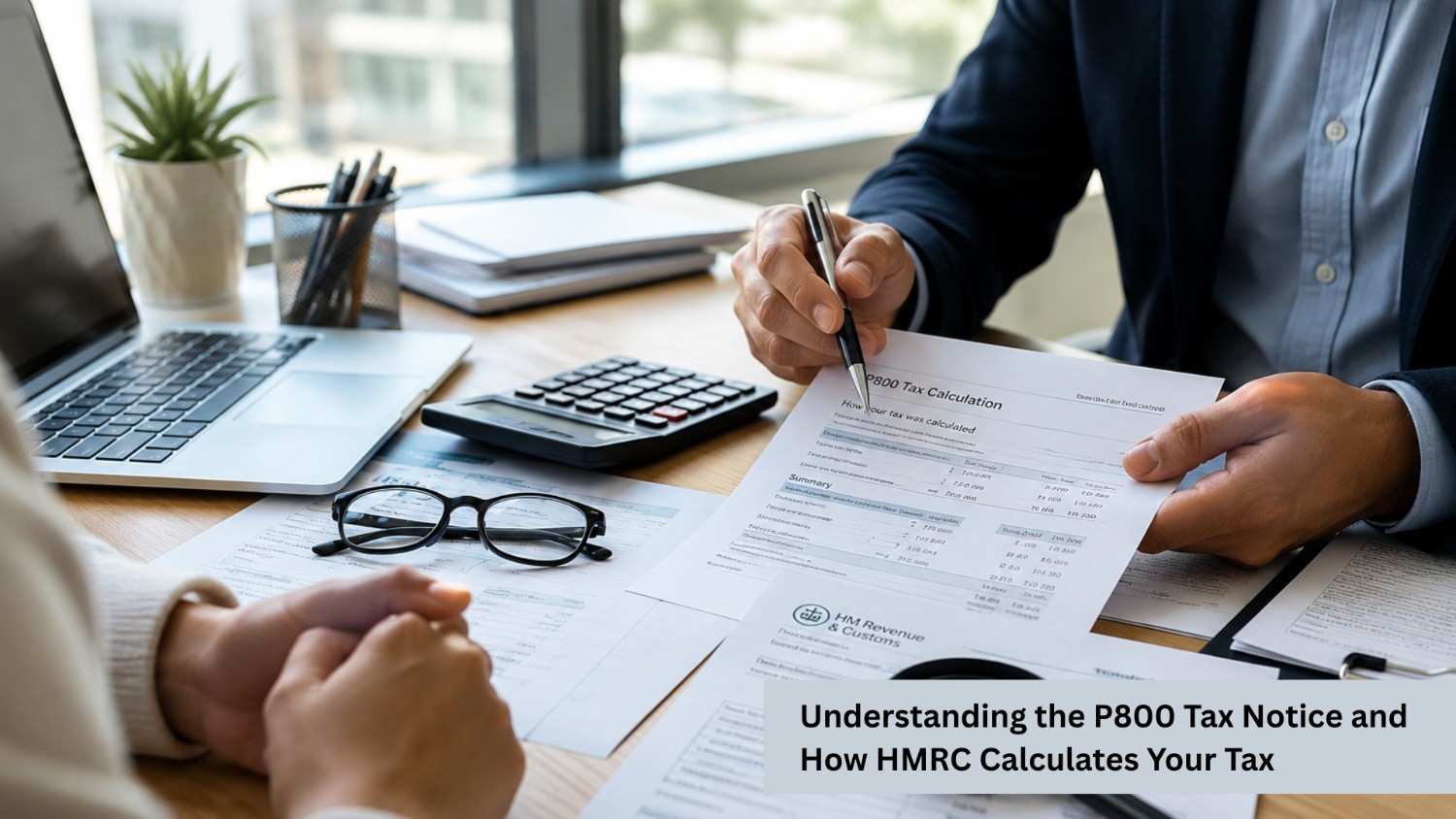
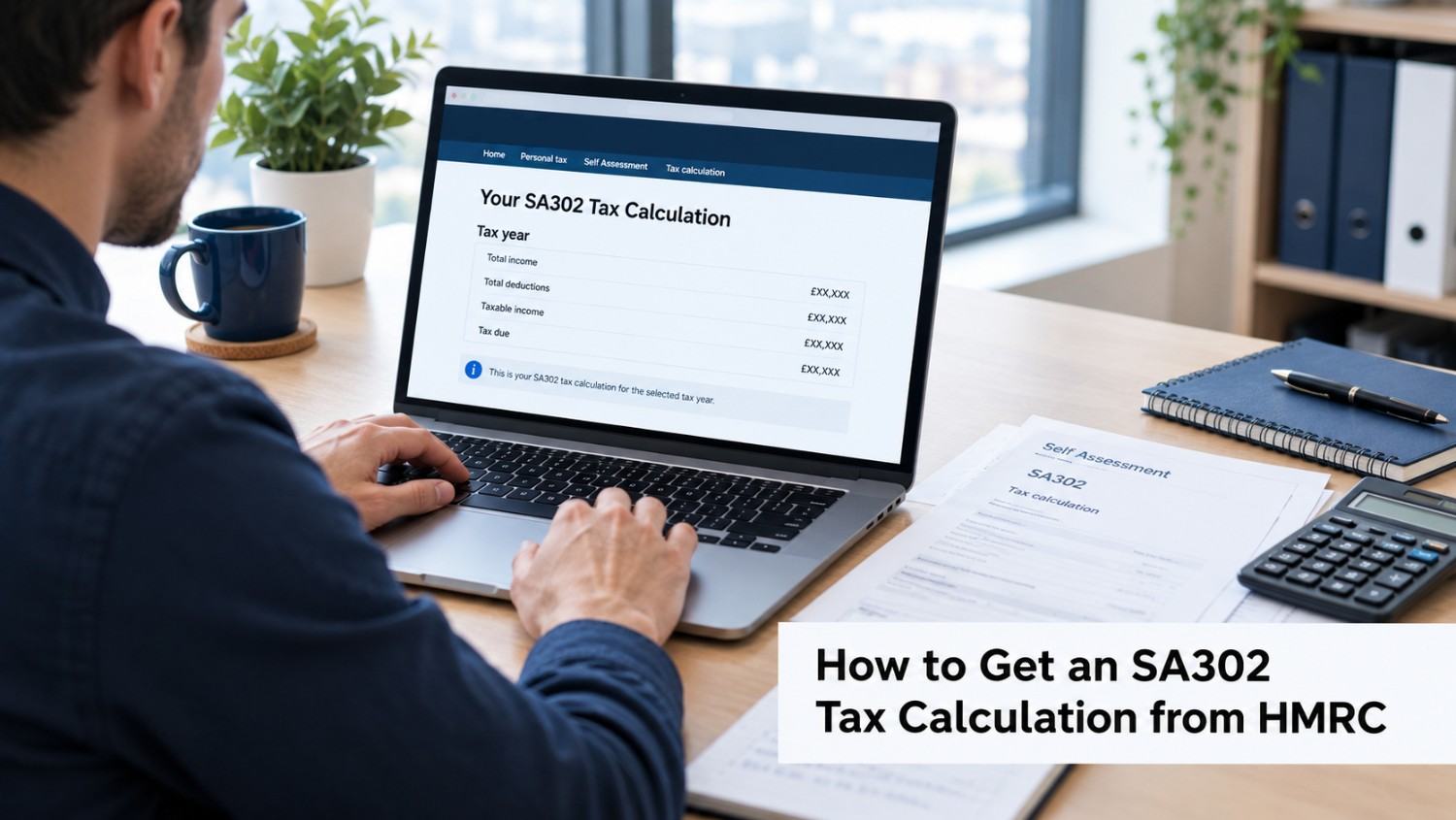
An SA302 form is a summary of the income and tax calculation produced after you submit a Self Assessment tax return. It shows how HM Revenue and Customs (HMRC) has calculated your tax liability for a particular tax year.
HMRC confirms that the document can be used as evidence of earnings, including when a self-employed individual applies for a mortgage.
What is a SA302 form and what information does it contain? your Self Assessment tax calculation. It provides a breakdown of your taxable income, allowances, reliefs and the tax calculated for the relevant tax year.
The document can be particularly useful for people who do not receive traditional payslips or P60s. For example, a sole trader's income may come from their business rather than an employer. An SA302 provides a standard way of demonstrating their declared income and tax position.
According to HMRC, a tax calculation shows:
The tax calculation is different from your Self Assessment statement. The tax calculation shows how much tax you owe for the year. Your statement may also include payments on account, tax you have already paid, and any other outstanding amounts.
An SA302 Tax Calculation is essentially the calculation generated from your Self Assessment tax return. It helps you understand how HMRC has arrived at the tax figure for the relevant tax year.
The calculation may take account of different sources of income, depending on your circumstances.
These could include:
The exact information shown depends on what was reported on your Self Assessment return.
Imagine a sole trader submits a Self Assessment return showing:
HMRC uses the information reported on the return to calculate the individual's taxable income and resulting tax liability.
The resulting tax calculation provides a summary of the figures used to arrive at the tax due. This can then be used alongside other financial documents where evidence of income is required.
If you submitted your Self Assessment tax return online, you can generally access and print your tax calculation through your HMRC online account.
HMRC's current process is:
HMRC states that you cannot print the calculation until 72 hours after submitting your tax return. You can obtain tax calculations for the last four years once the relevant Self Assessment returns have been submitted.
An SA302 Tax form is commonly requested when someone needs to demonstrate their income, particularly where their earnings are not evidenced through a standard employment payslip.
One of the most common situations is a mortgage application. Mortgage lenders may ask self-employed applicants for evidence of their income before deciding how much they are prepared to lend.
You might also need your tax calculation when:
However, requirements vary between lenders and organisations. HMRC advises checking with your mortgage provider to confirm which documents they accept. Some lenders may ask for both a tax calculation and a tax year overview.
An SA302 and a Tax Year Overview are related documents, but they serve different purposes.
|
SA302 Tax Calculation |
Tax Year Overview |
|
Shows your tax calculation |
Confirms your tax position for a specific year |
|
Shows income and allowances used in the calculation |
Provides a summary of the tax year |
|
Explains how tax has been calculated |
Can help confirm information with the calculation |
|
Often requested as income evidence |
May be requested alongside the calculation |
Some lenders request both documents, particularly for mortgage applications. Therefore, it is worth checking the exact requirements before submitting your application.
An SA302 is an important document for self-employed individuals who need to demonstrate their income and understand how HMRC has calculated their tax liability. It can be particularly valuable when applying for a mortgage, although lenders may request additional documents such as a Tax Year Overview. Keeping accurate financial records and submitting your Self Assessment return correctly can make obtaining the right documentation much easier.
At PHS Associates, we help individuals and businesses manage their accounting and Self Assessment responsibilities with confidence. From preparing accurate tax returns to explaining your tax calculations and helping you understand the documents you may need, our experienced team can support you throughout the process.
Book a free consultation today to discuss your accounting and Self Assessment requirements and get professional support tailored to your needs.

PHS Associates Acc & Co is led by a skilled team with expertise in Accounting, Taxation, Payroll, Business consultancy, and Company secretarial services.
© Copyright 2026 PHS Associates Acc & Co
Company number - 08670151