You can file a Self Assessment tax return online through your HMRC account by reporting your income, allowable expenses and tax details before the deadline.
Missing a Self Assessment deadline can turn a straightforward tax task into an expensive headache. Whether you are self-employed, receive rental income or have other untaxed earnings, knowing how to file a self assessment tax return correctly can help you avoid penalties and keep your finances on track.
The good news is that the process is much easier when you understand what information you need, when to submit your return and how to pay any tax due.
This blog explains how to file a self assessment tax return in the UK, who needs to submit one, how to complete it online and the key deadlines to remember.
Before you start, gather the information you need to complete your return accurately. This may include details of your income, allowable expenses, pension contributions, benefits, savings interest, dividends, rental income and other relevant financial information.
If you are completing a return for the 2025/26 tax year, the tax year runs from 6 April 2025 to 5 April 2026. HMRC recommends keeping suitable records, such as bank statements and receipts, so you can complete your return correctly.
Here is a simple process to follow:
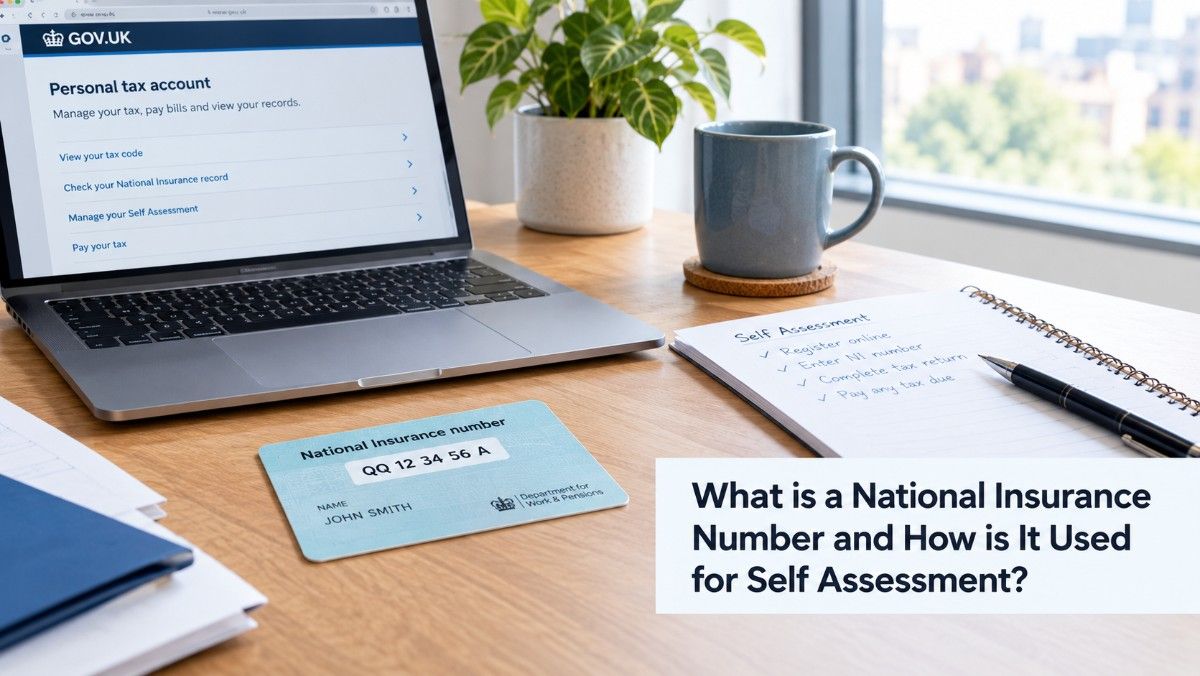
First, establish whether you need to submit a Self Assessment tax return. If you are filing for the first time, you may need to register with HMRC and receive a Unique Taxpayer Reference (UTR).
For the 2025/26 tax year, anyone who needs to register for Self Assessment generally needs to tell HMRC by 5 October 2026.
Collect all relevant documents before you begin. Depending on your circumstances, these could include:
Having everything available makes it easier to file self assessment tax returns accurately and reduces the risk of missing important figures.
When you log into your HMRC account, you will need to provide information based on your circumstances. For example, a sole trader may need to complete the self-employment section, while someone receiving rental income may need the relevant property section.
You may also need supplementary pages for areas such as employment, self-employment, property income, foreign income or capital gains.
Before submitting, review your income, expenses, tax reliefs and other information. Check that figures have been entered in the correct sections and that you have not accidentally included personal expenses as business expenses.
HMRC's online service allows you to save your return and return it later, so you do not necessarily have to complete everything in one sitting.
Once you are satisfied that everything is correct, submit your return. HMRC will calculate the tax you owe based on the information provided. You should then check your account for the amount due and make payment by the relevant deadline.
Understanding who needs to file a self assessment tax return is important because not everyone with income outside employment necessarily has to complete one.
According to HMRC, you generally need to submit a return if, during the tax year, you:
These circumstances can vary, so if you are uncertain who needs to file a self assessment tax return, HMRC provides an online checker to help you determine whether you need to submit one.
You may also choose to complete a tax return in certain circumstances, such as claiming specific Income Tax reliefs or proving self-employed status for particular purposes.
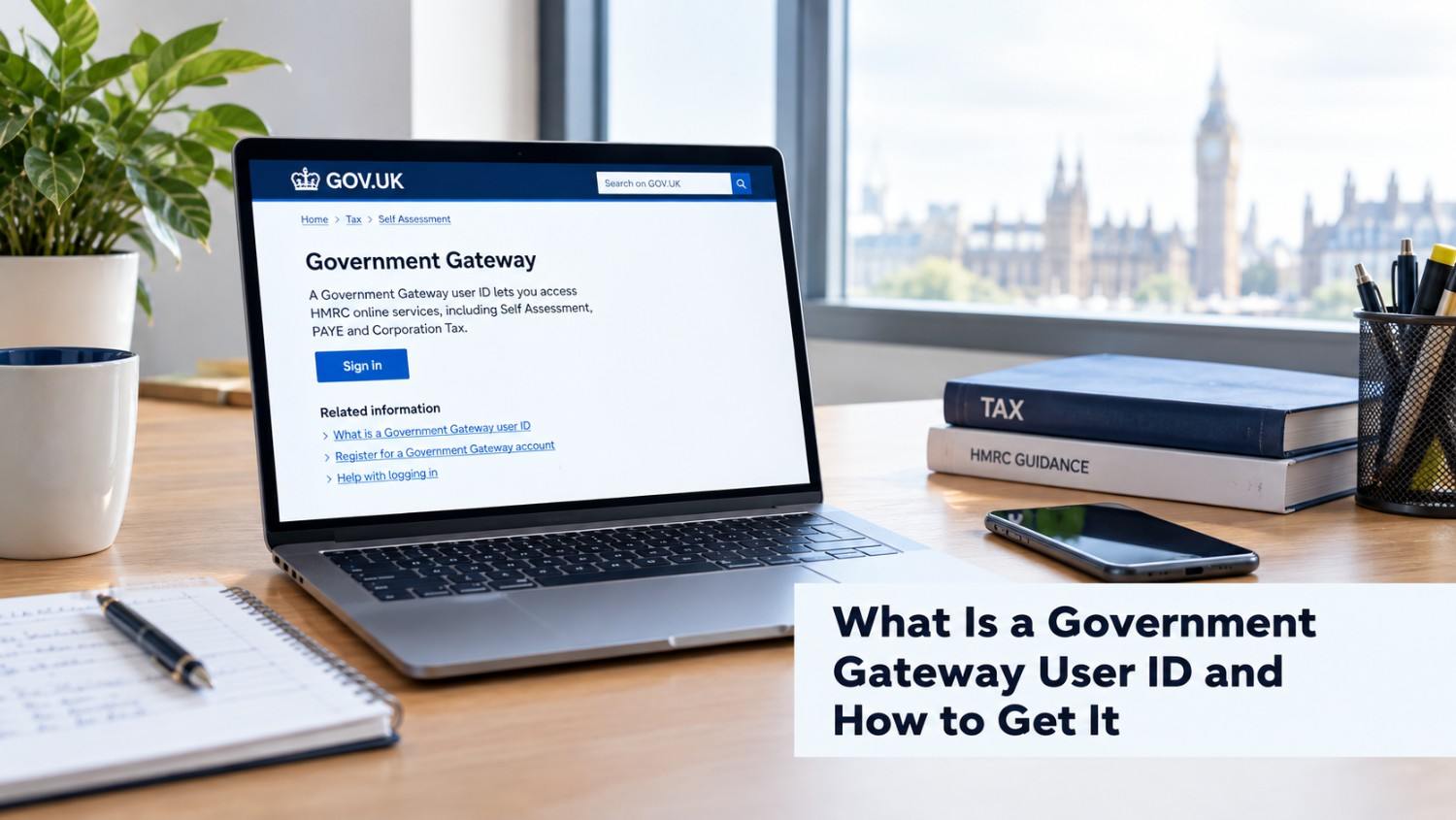
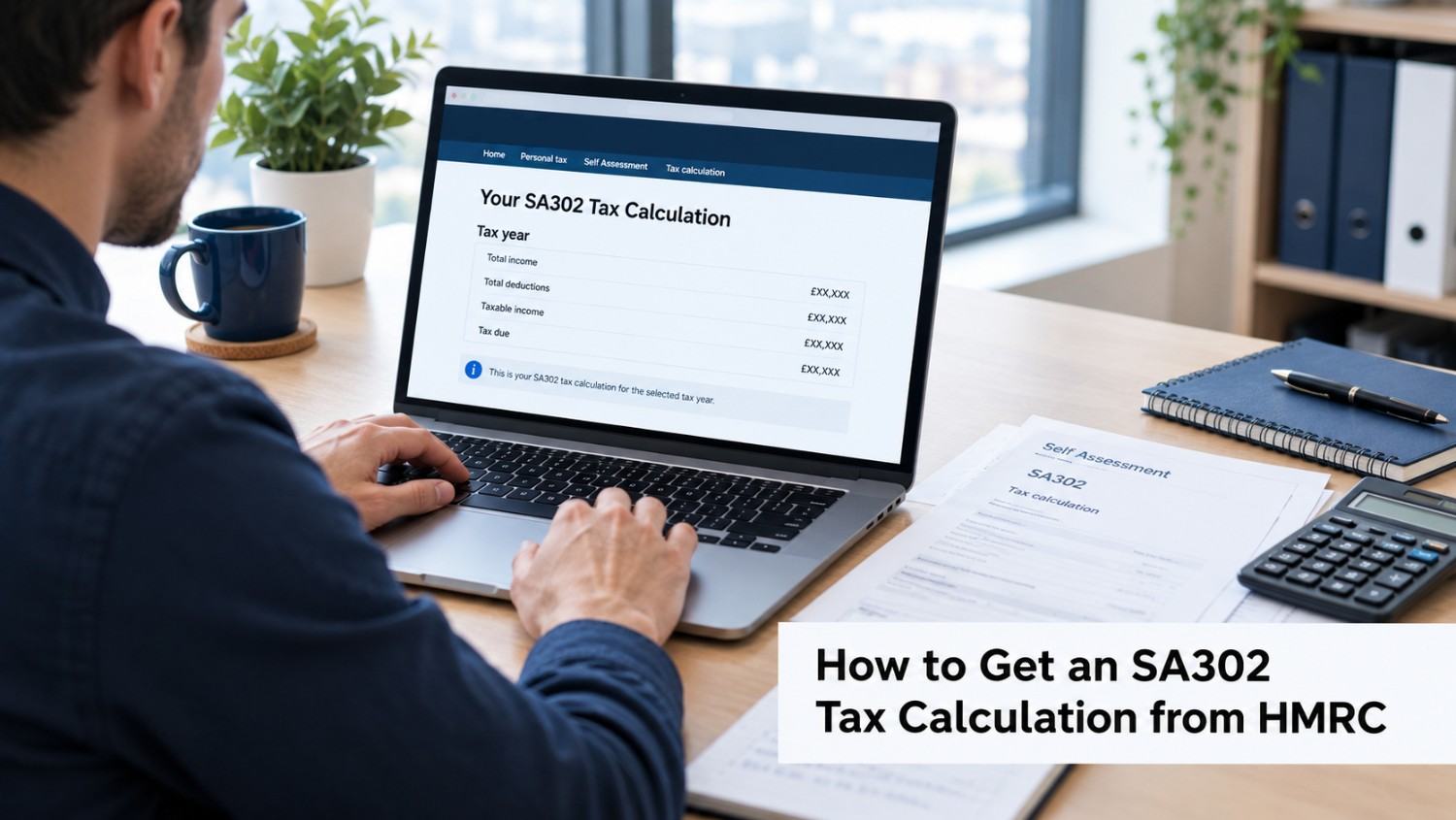
For most individuals, choosing to file your self assessment tax return online is a convenient way to manage the process. HMRC's online service is available to eligible taxpayers and allows you to view previous returns, check your details, see how much you owe and access your tax calculation.
To file your self assessment tax return online, you will generally need to:
If this is your first return, you must register for Self Assessment before using the online filing service.
Online filing can also give you more flexibility because you can start your return early, save your progress and complete it later. HMRC states that online filing provides an additional three months compared with the paper filing deadline.
If you are unsure about any part of the process, professional accounting support can help you file your self assessment tax return online while reducing the risk of calculation or reporting errors.
Understanding the Deadlines for Self Assessment Tax Return is essential to avoid penalties and interest. For the 2025/26 tax year:
Preparing your return early can help you avoid last-minute errors and ensure you meet HMRC's deadlines.
Filing your Self Assessment tax return correctly and on time can help you avoid unnecessary penalties and keep your tax affairs in order. Understanding the requirements, preparing your records and meeting HMRC deadlines can make the process much simpler.
We provide professional Self Assessment and accounting services to help individuals complete their tax returns accurately and with confidence. PHS Associates is available at affordable prices compared with other providers, giving you reliable support without unnecessary costs.
Need help with your Self Assessment tax return? Book a free consultation today for affordable, professional support and make your tax filing simpler.

PHS Associates Acc & Co is led by a skilled team with expertise in Accounting, Taxation, Payroll, Business consultancy, and Company secretarial services.
© Copyright 2026 PHS Associates Acc & Co
Company number - 08670151